Encoder Assembly Instructions
For guidance in assembling US Digital kit encoders, you can find detailed assembly instructions online by clicking on the link matching your encoder model below. Downloadable PDF and video instructions are also provided for many models.
- E2 Assembly Instructions – Download PDF | Watch Video
- E3 Assembly Instructions – Shafts Greater Than 10mm | Shafts Less or Equal To 10mm | Watch Video
- E4T Assembly Instructions – Download PDF | Watch Video
- E5 Assembly Instructions – Download PDF | Watch Video
- E6 Assembly Instructions – Shafts Greater Than 10mm | Shafts Less Than or Equal To 10mm | Watch Video
- E8T Assembly Instructions – Download PDF | Watch Video
- EC35 Assembly/Removal Instructions – Download PDF | Watch Video
- MAE3 Assembly Instructions – Download PDF
E2 Assembly Instructions
Learn how to assemble the US Digital E2 optical kit encoder. The E2 is a rotary encoder with a rugged glass-filled polymer enclosure, which utilizes either a 5-pin locking or standard connector. The E2 is normally designed for applications of 10 feet or less.
E4T & E8T Assembly Instructions
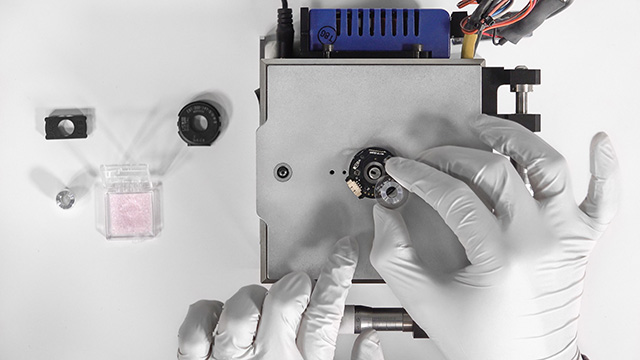
Learn how to assemble the US Digital E4T and E8T optical kit encoders. This video features the E8T encoder, but the process is the same for the E4T.
E4T & E8T Assembly Instructions
Learn how to assemble the US Digital E4T and E8T optical kit encoders. This video features the E8T encoder, but the process is the same for the E4T.
E3, E5, & E6 Assembly Instructions
Learn how to assemble the US Digital E5, E3, & E6 Optical Kit Encoders.
E3, E5, & E6 Assembly Instructions
Learn how to assemble the US Digital E5, E3, & E6 Optical Kit Encoders.